
Your laptop mic sounds thin. Your neighbor’s dog won’t stop barking. Your third Zoom call of the day starts in five minutes and your ears already hurt from the earbuds you’ve had in since 8 a.m.
If this sounds familiar, you don’t have a work problem. You have a headphone problem.
Remote work put your ears on the clock for eight hours a day, five days a week. Cheap earbuds and old wired headsets were never built for that. Over-ear headphones solve the fatigue, the muffled calls, and the noise from your kids, your roommate, or the street outside your window.If you’re looking for high-quality options, you can check our full wireless headphones collection.“
This guide walks you through the best over-ear headphones for working from home in 2026, how to pick the right one for your setup, and the mistakes that waste your money.
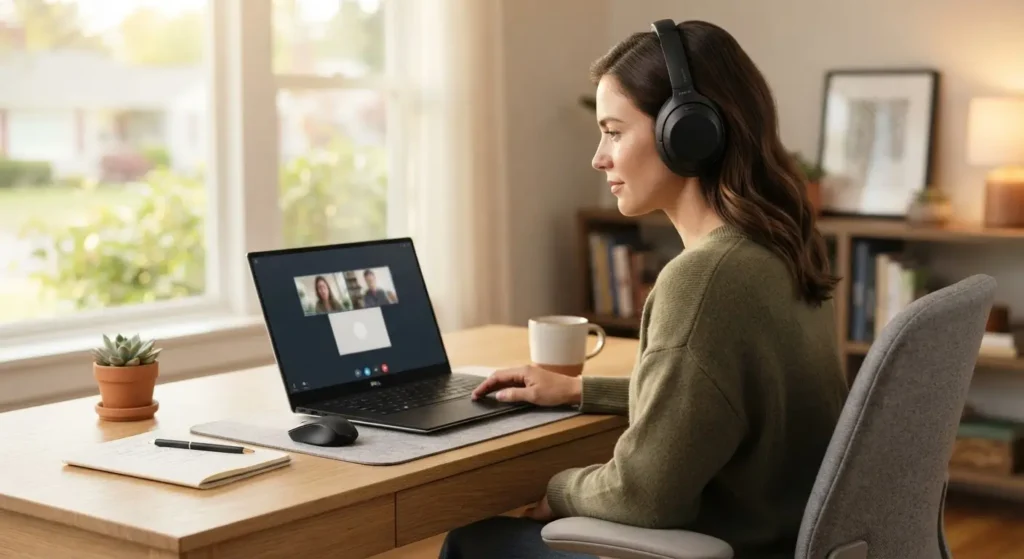
Why Your Headphones Matter More Than You Think
A headset is not a small purchase decision. It sits on your head for a third of your waking day. A bad pair causes three problems that hurt your work directly.
First, ear fatigue. Tight headbands and hard cushions turn a two hour meeting into a headache. Second, bad call audio. Coworkers ask you to repeat yourself, and background noise from your kitchen or street leaks into every call. Third, distraction. Without noise cancellation, every dog bark, doorbell, or delivery truck pulls your focus away from deep work.
A survey of remote workers found that poor microphone quality is the top complaint in virtual meetings. If your voice sounds unclear on calls, people notice, even if they never say it.
How We Picked: What Makes a Great Headphone for Remote Work
Not every headphone built for the gym or the airport works well at a desk. Here is what actually matters for a work-from-home setup.
Comfort for All-Day Wear
Look for a headphone under 300 grams with memory foam or protein leather cushions. Clamping force matters too. A tight headband feels fine for twenty minutes and painful after three hours.
Microphone Quality
Your headphones do double duty as your work headset. Beamforming microphones with AI noise reduction cut out keyboard clicks and background chatter. Boom mics, when available, still beat built-in mics in noisy rooms.
Active Noise Cancellation
ANC blocks out household noise so you can focus. It also stops your voice from competing with background sound on calls. This is the single biggest upgrade you can make if you share your home with other people, pets, or a busy street.
Battery Life and Charging
Aim for at least 20 hours on a single charge. Fast charging matters more than total battery life. A headphone that gives you three hours of use from a five minute charge saves you when you forget to plug in overnight.
Multipoint Bluetooth
You likely switch between a laptop for meetings and a phone for calls or music. Multipoint Bluetooth lets your headphones stay connected to both devices at once, so you don’t waste time reconnecting between apps.
The Best Over-Ear Headphones for Working From Home
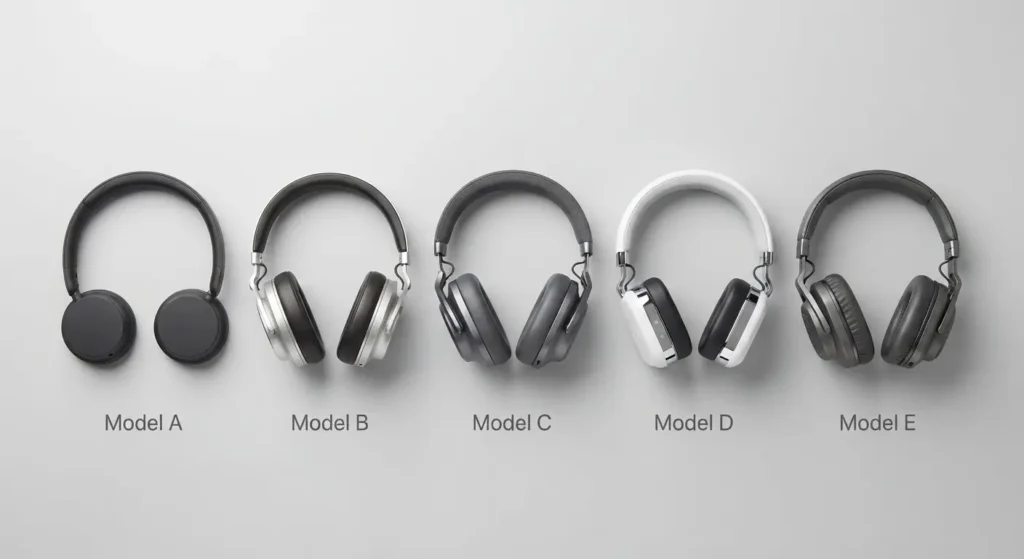
1. Sony WH-1000XM6, Best Overall
The Sony WH-1000XM6 combines top-tier noise cancellation with a 12-microphone array and AI beamforming for calls. RTINGS rates it as the top pick for office use in 2026, citing its comfortable fit for long workdays. The folding hinge makes it easy to pack for a coffee shop work session, and battery life lands around 30 hours with ANC on.
Best for: anyone who wants one headphone that handles calls, focus music, and comfort without compromise.
2. Bose QuietComfort Ultra (2nd Gen), Best Noise Cancellation
If your home is loud, the Bose QuietComfort Ultra delivers the strongest ANC on the market right now. Its ActiveSense feature adjusts noise cancellation automatically as your environment changes, so it reacts to a sudden vacuum cleaner or a barking dog without you touching a button. USB-C lossless audio is a bonus for anyone who cares about sound quality during off-hours listening.
Best for: apartments, shared houses, or homes with kids and pets nearby.
3. Apple AirPods Max (USB-C), Best for Apple Users
If you work across an iPhone, iPad, and Mac, the AirPods Max integrates tightly with all three. Switching audio between devices happens automatically, transparency mode sounds natural for hearing a knock at the door, and the build quality feels premium. It costs more than most competitors, and that price is the main trade-off.
Best for: people fully inside the Apple ecosystem who want zero setup friction.
4. JLab JBuds Lux ANC, Best Budget Pick
You don’t need to spend 300 dollars to get solid ANC and a comfortable fit. The JLab JBuds Lux ANC delivers active noise cancellation, a soft headband, and reliable call quality for under 50 dollars. It won’t match the mic array of flagship models, but for basic meetings and focus work, it gets the job done.
Best for: students, freelancers, or anyone testing whether ANC headphones fit their routine before spending more.
5. Sony WH-1000XM5, Best Value at the Premium Tier
The XM5 dropped in price after the XM6 launched, and it still holds up as one of the lightest headphones in its class at 250 grams. Eight beamforming microphones handle calls well, and the ANC remains close to class-leading. If you want Sony’s sound signature without paying flagship prices, this is the pick.
Best for: buyers who want near-flagship performance at a lower price point.
A Real Scenario: A Day With the Right Headphones
Sarah works from a two-bedroom apartment in a busy neighborhood. Before she switched to ANC over-ear headphones, her 9 a.m. standup call always included the sound of garbage trucks and her upstairs neighbor’s footsteps. Coworkers asked her to mute and repeat herself at least twice a call.
She switched to the Bose QuietComfort Ultra. The change showed up in three places. Her calls became clear enough that nobody asked her to repeat a sentence for two straight weeks. Her afternoon focus blocks got longer because street noise no longer pulled her attention every ten minutes. Her ears stopped hurting by 5 p.m., something her old on-ear headset never managed past hour three.
Her setup did not change. Her apartment did not get quieter. Only her headphones did.
Step by Step: How to Choose the Right Pair for Your Setup
Follow these steps to match a headphone to your actual work routine, not just the best review score.
Step 1: Count your daily call hours. If you spend more than three hours a day on video calls, prioritize microphone quality above all else.
Step 2: Check your environment. Noisy household or street? Put ANC at the top of your list. Quiet dedicated office? You can save money on a model with lighter noise cancellation.
Step 3: Weigh comfort over specs. Try to test the clamping force and cushion material in person if you can, or check return policies before buying online.
Step 4: Match your devices. If you juggle a laptop and phone, confirm the model supports multipoint Bluetooth before you buy.
Step 5: Set your budget by usage, not brand. A 50 dollar ANC headphone used eight hours a day for two years costs less per hour than a 30 dollar wired headset that breaks in six months.
Common Mistakes People Make When Buying Headphones for Remote Work
Buying based on looks alone. A headphone that looks great in marketing photos can still have a stiff headband that hurts after an hour.
Ignoring the microphone entirely. Sound quality for music and sound quality for calls are different tests. Read reviews that specifically cover call and meeting performance.
Skipping the return window. Comfort is personal. What feels fine in a five minute store test can feel different after three hours of real use. Always check the return policy before you commit.
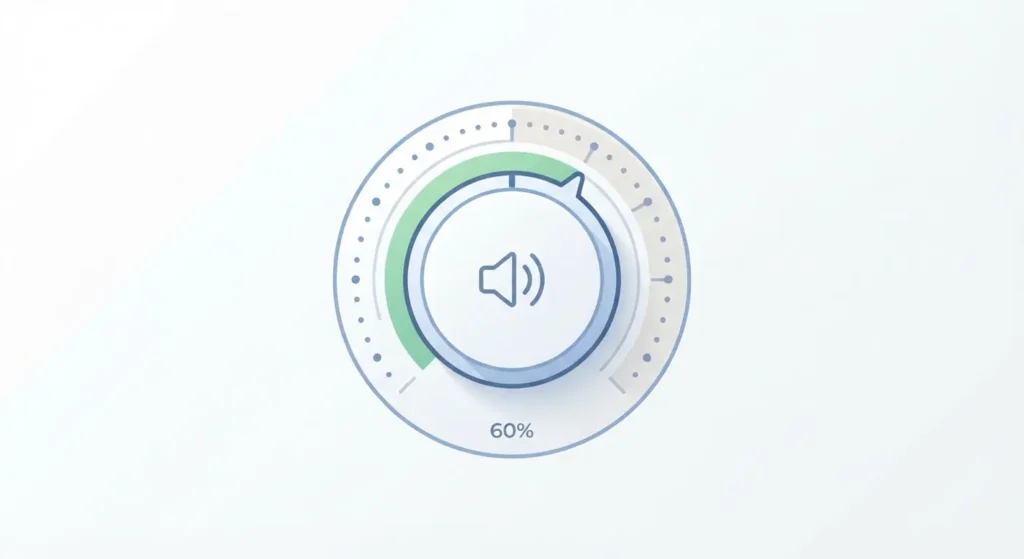
Maxing out the volume. Cranking your headphones past 60 to 70 percent of maximum volume for hours at a time raises your risk of hearing damage over months and years, according to hearing health researchers. Keep your volume moderate and take a short break every hour, especially during long calls.
Real Experience From Remote Workers
James, a software engineer, switched from wired earbuds to the Sony WH-1000XM5 after two years of remote work. He says the biggest change was not sound quality. It was forgetting he had headphones on at all during a six hour coding session, something his old earbuds never let him do past hour two.
Priya, a customer support lead, runs eight to ten calls a day. She picked a model with strong microphone reviews over one with better music sound, and says her call escalation rate dropped after coworkers stopped mishearing her on noisy calls.
Both examples point to the same lesson. Match the headphone to your actual daily habit, not the spec sheet that sounds most impressive.
FAQ
Are over-ear headphones better than earbuds for working from home? For most people who work more than four hours a day at a desk, yes. Over-ear headphones create a better seal against ambient noise, spread pressure across a larger area of your head, and reduce ear fatigue during long sessions.
Do I need active noise cancellation if I have a quiet home office? Not necessarily. If your space stays quiet most of the day, you can save money on a model with lighter ANC or none at all. ANC matters most in shared, noisy, or open living spaces.
How much should I spend on headphones for remote work? Budget models under 60 dollars now include ANC and decent mics, and work fine for occasional calls. If you’re on calls more than three hours a day, a 200 to 350 dollar flagship model pays for itself in fewer misunderstood meetings and less ear fatigue.
Can loud headphones damage my hearing during work calls? Yes. Hearing health researchers recommend keeping headphone volume at 60 to 70 percent of maximum and taking listening breaks each hour to protect your hearing over the long term.
What’s the difference between a headset and regular over-ear headphones for work calls? A dedicated headset usually includes a boom microphone, which performs better in loud rooms. Modern over-ear headphones use multiple beamforming microphones instead, which now match or beat boom mic performance in most home environments.
Do multipoint Bluetooth headphones actually make a difference? Yes, if you switch between a laptop and phone during the day. Multipoint keeps both devices connected, so a phone call doesn’t force you to disconnect from your laptop meeting.
Further Reading
RTINGS.com maintains an updated, independently tested list of the best headphones for office use, with detailed comfort and mic quality scores: https://www.rtings.com/headphones/reviews/best/by-usage/office
Hearing Health Foundation publishes clear, research-backed guidance on safe headphone volume and listening habits: https://hearinghealthfoundation.org/keeplistening/headphones