
If you want to extend the battery life of your wireless earbuds, you are not alone. You charge your earbuds every night, but by lunch the next day, one bud is already at 15 percent. You pull it out mid call, mid workout, mid commute, and the case in your bag is almost as drained as the buds themselves.
This is not bad luck. Most wireless earbuds lose runtime because of a handful of daily habits, not because the hardware is faulty. Fix the habits and you get real hours back, often without giving up sound quality or features you actually use.
This guide walks through why earbuds drain fast, the exact steps to slow that drain down, a real scenario from daily use, and answers to the questions people ask most about earbud batteries.
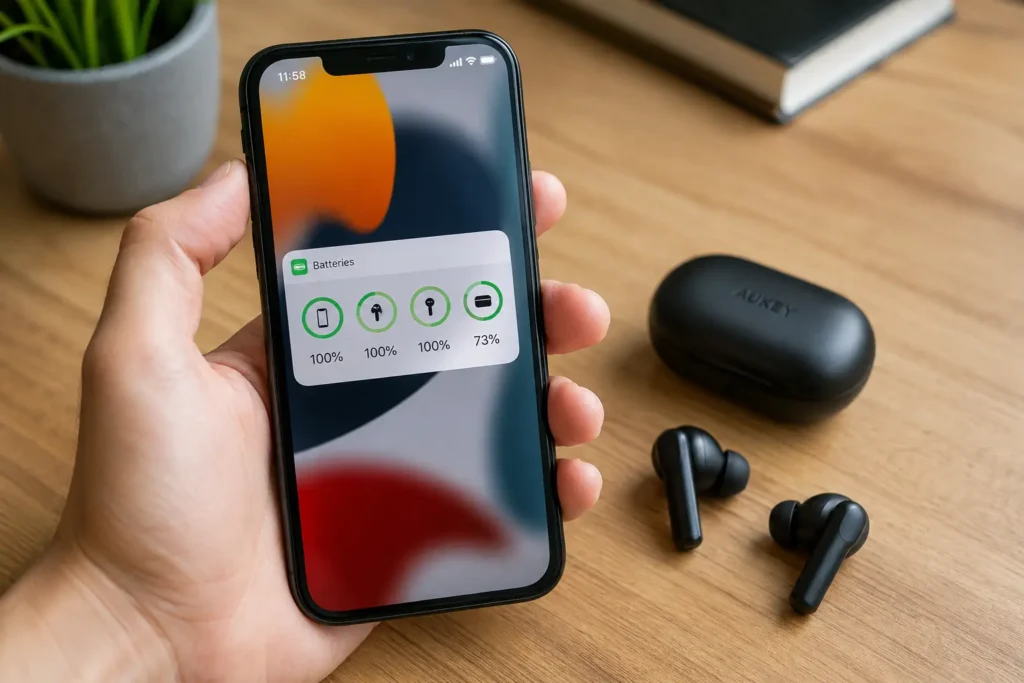
Why Wireless Earbuds Lose Battery Life So Fast
Earbud batteries are tiny. A typical bud holds far less capacity than a phone or laptop, so any feature that adds processing load shows up fast on the runtime.
Active Noise Cancellation (ANC) Is the Biggest Drain
ANC uses microphones to sample outside noise and a processor to generate an opposite sound wave that cancels it out. That process runs constantly while ANC is on. Independent testing from SoundGuys found that listening at maximum volume alone can cut playback time by 25 to 30 percent, and ANC adds a separate, ongoing drain on top of that.
Bluetooth Codec Choice Matters
Codecs like LDAC and aptX Adaptive send more audio data per second than standard SBC or AAC. More data means more work for the Bluetooth chip, and more work means faster battery drain. If your earbuds support several codecs, the highest quality option is rarely the most battery friendly one.
Multipoint Connections and Touch Controls Add Up
Multipoint lets you pair with two devices at once, which is convenient but keeps two radio connections active instead of one. Touch controls and voice assistant wake words also keep small sensors listening in the background, drawing power even when you are not actively using them.
Idle Drain Outside the Case
Earbuds left on a desk or in a pocket, out of the case, keep their Bluetooth radio partly active so they can reconnect quickly. That standby draw is small per minute but adds up across a full day.
Step-by-Step: How to Extend the Battery Life of Your Wireless Earbuds
Work through these in order. The first few give the biggest gains for the least effort.
1. Turn Off ANC When You Do Not Need It
ANC helps on a plane or a loud train. It does nothing for you in a quiet office or an empty room. Switch it off in those settings and switch to transparency or normal mode instead.
2. Keep Volume Below 70 Percent
Lower volume reduces the load on the amplifier. It also protects your hearing over long listening sessions, so this is a change worth making even outside the battery benefit.
3. Choose a Lighter Bluetooth Codec
If your earbuds and phone both support AAC or SBC alongside a higher end codec like LDAC, switch to the lighter option for everyday listening. Save the high resolution codec for moments where audio quality is the priority, like critical listening at home.
4. Turn Off Multipoint When You Only Need One Device
If you are not actively switching between your laptop and your phone, turn multipoint off in the companion app. Turn it back on only for the sessions where you actually need it.
5. Put Earbuds Back in the Case Between Uses
The case is not just for charging. Storing buds in the case when you are not wearing them stops the slow background drain that happens when they sit loose in a pocket or on a desk.
6. Avoid Extreme Temperatures
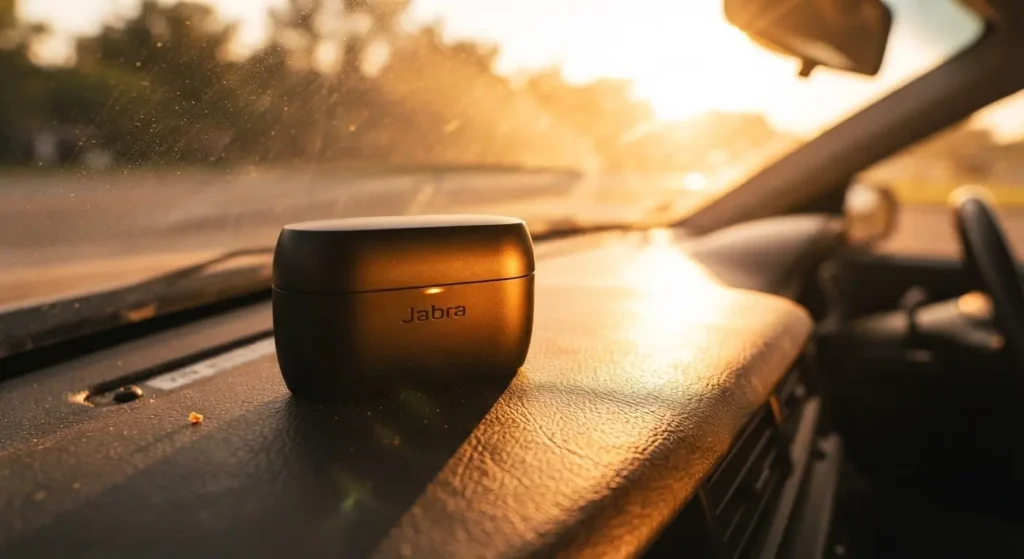
Heat speeds up battery degradation and cold reduces how much usable capacity the battery can deliver in the moment. Do not leave your case in a hot car or a cold jacket pocket for hours. Store both the buds and the case at room temperature when possible.
7. Keep the Charge Between 20 and 80 Percent for Long Term Storage
Lithium batteries age faster when they sit at a full charge or an empty charge for extended periods. Research from the University of Michigan on lithium battery care recommends avoiding both extremes when possible. If you are not using your earbuds for a week or more, store the case around half charged rather than completely full or completely empty.
8. Clean the Charging Contacts Regularly
Dirt, lint, or earwax on the metal charging pins inside the case can block a full, even charge. Wipe the contacts with a dry cotton swab every few weeks. This single step solves a surprising number of complaints about one bud charging slower than the other.
9. Update the Firmware
Manufacturers release firmware updates that improve power management, not just new features. Check the companion app every month or two and install updates when they appear.
10. Turn Off Features You Do Not Use
Always on voice assistant, haptic touch feedback, and step or workout tracking on some sport focused earbuds all draw extra power. Open the companion app and turn off anything you do not rely on daily.
11. Avoid Full Discharges
Letting your earbuds run all the way to zero repeatedly adds more stress to the battery than charging from 30 or 40 percent. Top up when you get the low battery notification instead of waiting for a full shutdown.
12. Use a Quality Charging Cable and Adapter
A worn cable or an underpowered adapter can cause slow, inconsistent charging that leaves the case undercharged without any warning. Stick with the cable that came with the earbuds or a certified replacement.
“If you are looking for reliable gear with long-lasting playback, explore our latest “Foldable Over-Ear Wireless Headphones with Fast Charge” on Elixgear for fast charging support and optimized battery performance.”
13. Check for One-Sided Drain
If one earbud consistently dies faster than the other, the two cells are aging at different rates, which is common over time. Swapping which bud you use for calls, if you tend to favor one side, can slow this uneven wear.
14. Store the Case Away From Direct Sunlight
Sunlight through a car window or a windowsill raises the internal temperature of the case well above room temperature, which speeds up battery aging exactly like leaving it in a hot car.
15. Give the Battery an Occasional Full Cycle
While partial charges are better day to day, letting the battery run through a full cycle every month or so helps the internal gauge stay accurate, so your reported percentage matches the real charge level.
A Real Scenario: The Daily Commuter Problem
A common complaint looks like this: earbuds rated for eight hours of playback barely make it to five during a normal workday. ANC is on the whole commute, volume sits near maximum to cover train noise, and the buds spend lunch breaks sitting on a desk instead of in the case.
Switching ANC off once inside the office, dropping volume to a comfortable mid range, and returning the buds to the case during breaks typically recovers one to two hours of extra runtime without changing anything else about how the earbuds are used. Small habits, not a defective battery, usually explain the gap between advertised and actual playback time.

Common Mistakes That Shorten Earbud Battery Life
- Leaving ANC on in quiet settings out of habit
- Charging the case with a cheap or damaged cable
- Storing the case in a hot glove compartment or a cold gym bag
- Ignoring firmware update notifications for months
- Letting the buds sit outside the case for hours at a time
Each of these is easy to fix once you notice it, and none of them require buying new hardware.
Frequently Asked Questions
Does turning off ANC really make a noticeable difference?
Yes. Independent testing consistently shows ANC reducing playback time, with some models losing 20 to 40 percent of their runtime when ANC is active. Turning it off in quiet environments is one of the fastest ways to add hours back.
Is it bad to charge my earbuds every night even if they are not fully drained?
Occasional top ups are fine and generally better for long term battery health than letting the buds run to zero. What matters more is avoiding constant, prolonged time spent at a full 100 percent charge, especially in storage.
Why does one earbud die faster than the other?
The two batteries are separate cells and they age at slightly different rates over time. This is normal and expected, though switching which ear you favor for calls can help even out the wear.
Can a Bluetooth codec really affect battery life?
Yes. Higher bitrate codecs like LDAC send more data and require more processing than SBC or AAC, which increases power draw. Switching to a lighter codec for everyday listening is a simple way to extend runtime.
How long should a good pair of wireless earbuds last before the battery noticeably degrades?
Most lithium batteries in earbuds hold up well for one to two years of regular daily use before you notice a real drop in maximum runtime. Because the batteries are sealed inside the earbuds, they generally cannot be replaced, so the habits in this guide directly affect how long you get useful performance before that decline sets in.
Is it safe to leave my earbuds charging overnight in the case?
Most modern cases include protection circuitry that stops charging once the case reaches full capacity, so occasional overnight charging is generally safe. For the healthiest long term battery habits, unplugging once the case is full is still the better default when you remember to.
Final Thoughts
Battery drain on wireless earbuds usually comes down to a short list of habits: ANC left on out of routine, high volume, a demanding codec, and time spent outside the case. Adjust those and most people get real, measurable extra hours without spending a cent on new hardware.
Related Resources
[…] Make sure to Extend the Battery Life of Your Wireless Earbuds […]
[…] If you’re also looking to keep your earbud battery in top shape, check out our guide on how to extend the battery life of your wireless earbuds.“ […]